
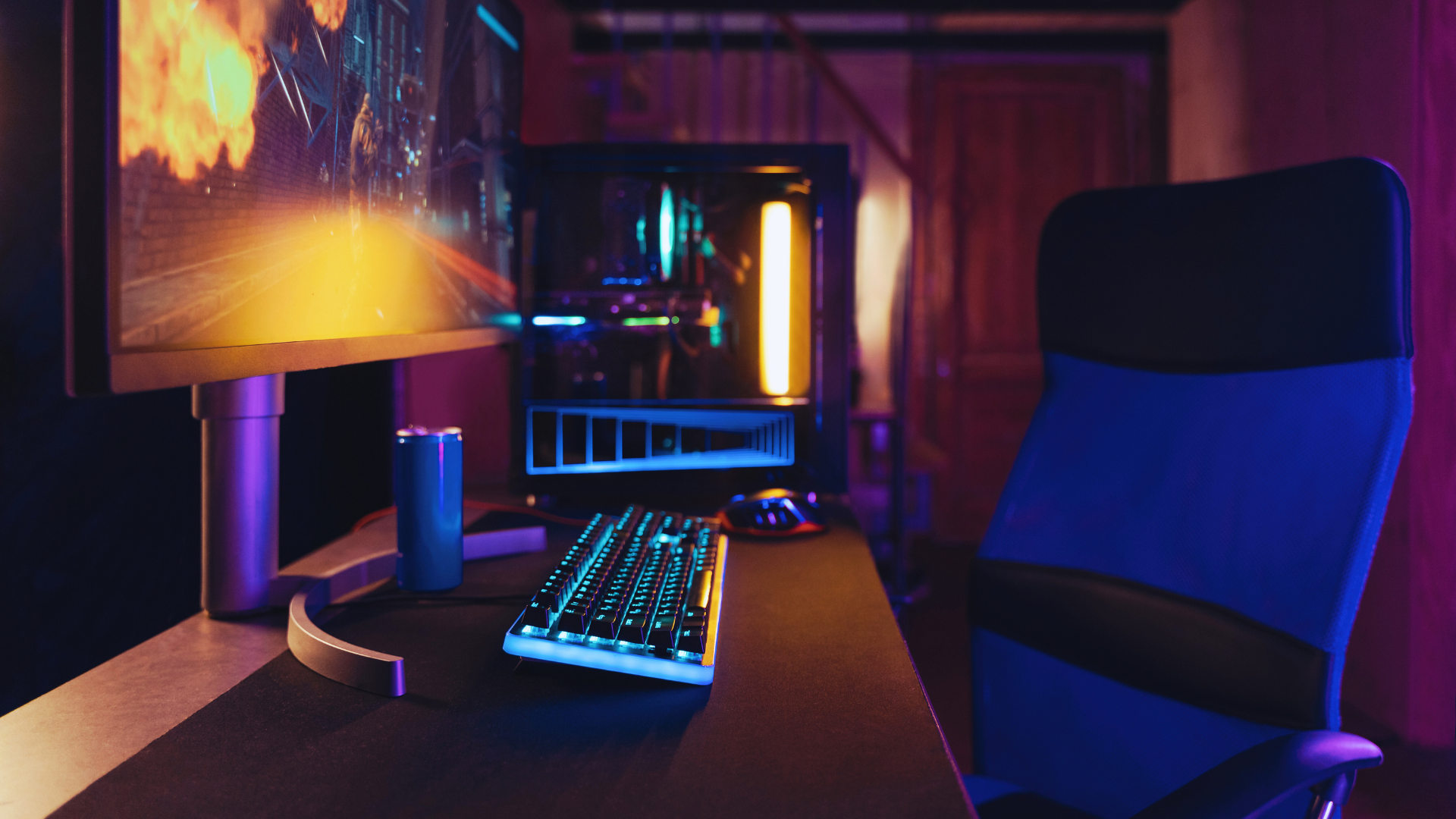
Creating a gaming setup that won’t break the bank is entirely achievable with careful planning and smart choices. A budget-friendly gaming setup can be built by prioritising essential components, making use of second-hand options, and focusing on value for money. By understanding the key elements that contribute to a solid gaming experience, anyone can design a space that meets their needs without sacrificing performance or comfort.
Exploring budget options doesn’t mean compromising on quality. The right combination of affordable hardware, peripherals, and accessories can deliver an enjoyable gaming experience. Cost-effective solutions, such as DIY options for furniture or upgrading specific components rather than buying brand-new systems, can also lead to significant savings.
This blog post will guide readers through practical steps to create their ideal gaming environment while staying within budget. From choosing the right gear to optimising space effectively, it offers insights that make gaming accessible for all.
Choosing Core Components for a Budget-Friendly Gaming Setup
Building a budget-friendly gaming setup requires careful consideration of the core components. Selecting the right processor, graphics card, memory, storage, motherboard, and case will impact both performance and cost. The following sections detail essential choices for each component to ensure a balanced configuration.
Selecting the Right Processor
The processor, or CPU, significantly affects gaming performance. For budget gaming PCs, the AMD Ryzen 5 5600 is a top choice. It offers solid performance for its price, with six cores and twelve threads, making it capable of handling most modern games.
When selecting a CPU, consider its clock speed and core count. Look for processors with a good balance between price and performance. For instance, dual-core CPUs are often insufficient for gaming, while CPUs with more than six cores may be overkill for budget builds.
Understanding Graphics Card Options
The graphics card (GPU) plays a critical role in gaming visuals. For budget setups, options like NVIDIA’s GTX 1660 or AMD’s RX 6500 XT provide excellent performance without breaking the bank.
When choosing a graphics card, look at performance benchmarks for your desired games. Consider factors such as VRAM; a minimum of 4GB is advisable for modern titles.
Be cautious of market fluctuations. Prices can rise, especially for popular GPUs, so timing your purchase may yield better deals.
Balancing Memory and Storage
Memory, specifically DDR4 RAM, is essential for gaming performance. A minimum of 16GB is recommended for smooth multitasking and gaming. Brands like Corsair Vengeance LPX offer reliable options that are often affordable.
Storage is equally important. Solid State Drives (SSDs) provide much faster load times than traditional hard disk drives (HDD). Opting for a combination of both can be beneficial; use SSDs for the operating system and most-played games, while HDDs can serve as additional storage for less frequently accessed files.
Motherboard and Case Selection
Selecting an appropriate motherboard is critical, as it determines compatibility with the CPU and other components. Ensure the motherboard has enough ports and slots for RAM and future upgrades.
When it comes to the case, look for something that fits your aesthetic and provides good airflow. Costs vary greatly, so it’s possible to find budget cases that still offer adequate cooling options. A well-ventilated case can prolong the life of the components.
The balance between these core components will lead to a cost-effective yet powerful gaming PC.
Optimising Performance Without Overspending
Balancing performance and cost is crucial for gamers on a budget. Focus on strategies that enhance system efficiency, cooling, and suitable performance expectations without overspending.
Prioritising Gaming Performance and System Balance
To achieve good gaming performance without breaking the bank, prioritise system components wisely. A mid-range graphics card that supports 1080p resolution at 60 frames per second is often the sweet spot. Cards like the NVIDIA GTX 1660 Super or AMD RX 5600 XT offer solid gaming performance.
Additionally, the CPU should complement the graphics card to avoid bottlenecks. Aim for a balanced configuration; for instance, a Ryzen 5 3600 pairs well with a GTX 1660 Super. This setup ensures smooth gameplay while maintaining budget constraints.
Investing in efficient RAM is essential as well. A minimum of 16GB ensures that applications run without interruptions, leading to a better overall experience.
Enhancing Cooling and Power Efficiency
An efficient cooling system reduces thermal throttling, enhancing long-term performance. Utilise a CPU cooler that is both cost-effective and efficient. Brands like Cooler Master and be quiet! Offer reliable cooling solutions at lower prices.
Ensure that the power supply unit (PSU) is rated adequately for the system. A PSU with a minimum of 80 Plus Bronze certification can ensure efficiency under load, thus saving on energy costs.
Consider adding extra case fans for improved airflow, which can significantly decrease temperatures during intense gaming sessions. This helps maintain performance without incurring high costs.
Understanding Resolution and Frame Rate Considerations
Resolution and frame rate are essential factors in gaming performance. Many budget builds target 1080p resolution because it strikes a balance between clarity and performance. It allows the hardware to maintain high frame rates with less strain compared to higher resolutions.
When selecting settings, users can opt for performance over aesthetics by turning off ray tracing for a significant boost in frame rates. Maintaining 60 frames per second is often achievable with a properly balanced system at this resolution.
Gamers should find settings that their system can comfortably handle to reduce loading times, further enhancing the gaming experience. Adjusting graphical settings can lead to a more enjoyable performance without upgrading hardware.
Creating a Comfortable and Functional Gaming Space
A well-designed gaming space enhances the overall experience by promoting comfort and efficiency. Key factors include the choice of gaming desk and chair, effective cable management, and personal touches through RGB lighting and accessories.
Selecting a Gaming Desk and Chair
The gaming desk should provide ample space for a monitor, keyboard, and mouse while accommodating any additional items. A height-adjustable desk is preferable, allowing for both standing and sitting positions, which promotes better posture.
When choosing a gaming chair, prioritise ergonomics and adjustability. Look for features like lumbar support and adjustable armrests. Chairs with breathable material can increase comfort during long gaming sessions. Popular options include:
- Racing-style chairs: Offer style and support.
- Ergonomic chairs: Focus on long-term comfort.
Improving Cable Management and Reducing Clutter
A tidy gaming space enhances focus. Utilising cable management solutions is essential for minimising clutter. This can be achieved by using:
- Cable trays: To organise and hide cables under the desk.
- Cable clips: To secure cables along walls or the desk edge.
Opt for a multi-port USB hub to reduce the number of visible cables. Regularly assess connections to ensure everything is tidy. A clean space not only looks better but also helps maintain equipment and improves airflow.
Personalising with RGB Lighting and Accessories
Incorporating RGB lighting can elevate the gaming experience by adding ambience. There are several ways to include RGB elements:
- LED strips: Place them along the back of the desk, behind the monitor, or around the room.
- RGB mice and keyboards: Offer both functionality and aesthetic appeal.
Accessories like themed posters or personalised figurines can enhance the space further. Choose colours that match your personal taste or the game being played to create a cohesive look. Personalisation makes the gaming space unique and enjoyable.
Enhancing Gaming Experience With Peripherals and Connectivity
Upgrading peripherals and optimising connectivity can significantly improve a gamer’s experience. By selecting the right components, players can enjoy greater comfort and precision, leading to improved performance in gameplay.
Essential Input Devices: Mouse, Keyboard, and Controllers
The right input devices play a crucial role in any gaming setup. A high-quality gaming mouse should offer adjustable DPI settings for precision control, especially in fast-paced games. Look for features like programmable buttons that can streamline gameplay.
For keyboards, mechanical models often provide tactile feedback preferred by gamers. Key rollover is essential for avoiding missed commands. Gamers should also consider ergonomic designs to enhance comfort during extended play sessions.
Controllers remain popular for their simplicity and comfort, especially in console gaming. Wireless options can reduce clutter, but they may introduce input lag. Wired controllers usually provide a reliable connection.
Selecting a Gaming Headset for Immersive Audio
A gaming headset enhances the sound experience, making it essential for immersion. Look for headsets with surround sound capabilities to provide a spatial audio experience in multiplayer environments. This feature allows players to detect enemy movements accurately.
Comfort is paramount during long gaming sessions. Opt for headsets with soft ear cushions and adjustable headbands. Noise cancellation can also enhance focus by blocking out distractions.
Features such as a built-in microphone are vital for team communication. It is helpful to ensure that the microphone offers clear audio capture without background noise interference.
Improving Network Setup for Multiplayer Gaming
An effective network setup is crucial for smooth multiplayer gaming. A reliable router ensures consistent connectivity for online play. Gamers should consider routers designed for gaming, which often prioritise latency and bandwidth.
Using an Ethernet cable provides a stable connection, minimising input lag compared to Wi-Fi. This can be especially important in competitive gaming scenarios where every millisecond counts.
In addition to hardware, enabling Quality of Service (QoS) settings on the router can optimise bandwidth for gaming. This ensures that gaming traffic remains a priority during heavy network use, resulting in a smoother online experience.